How to send a mass email

To send a mass email, follow these steps:

Step 1: Log into the client area 
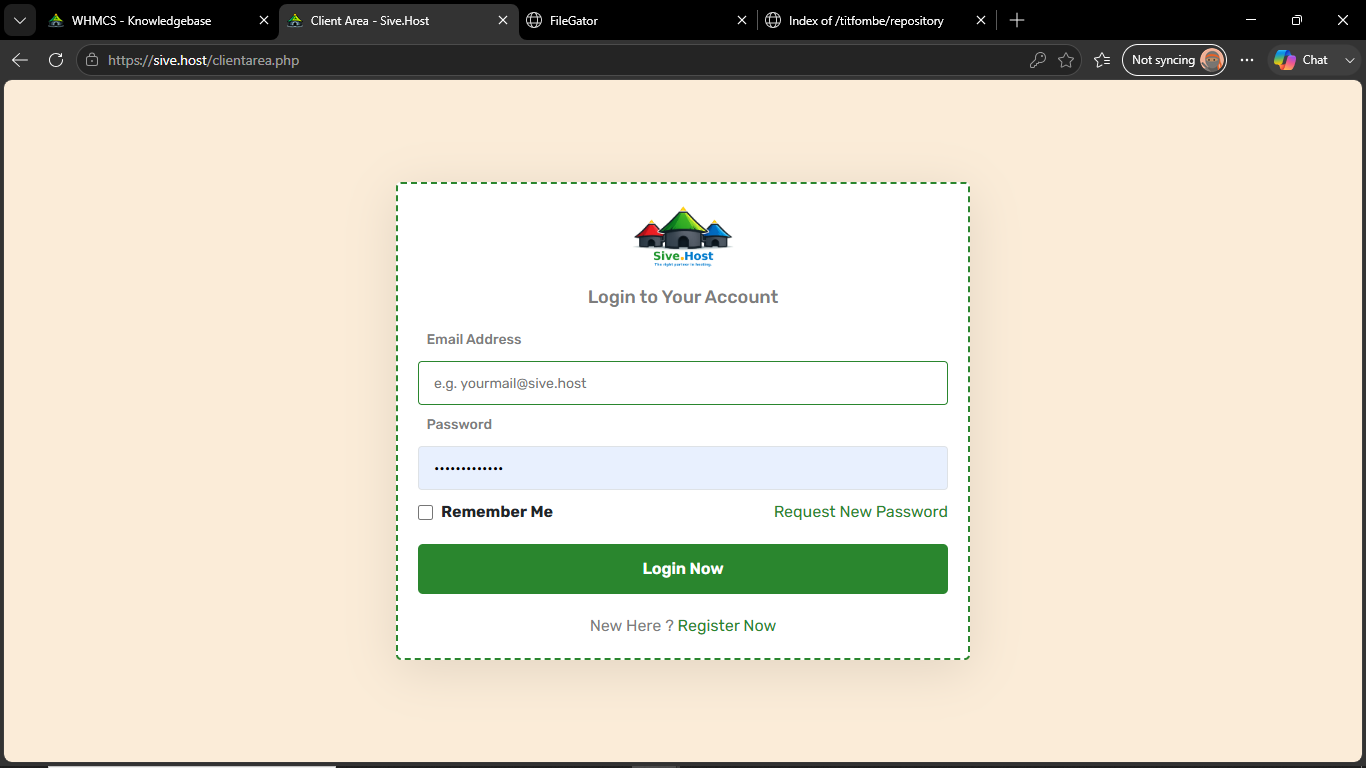
Step 2: Navigate to Services 
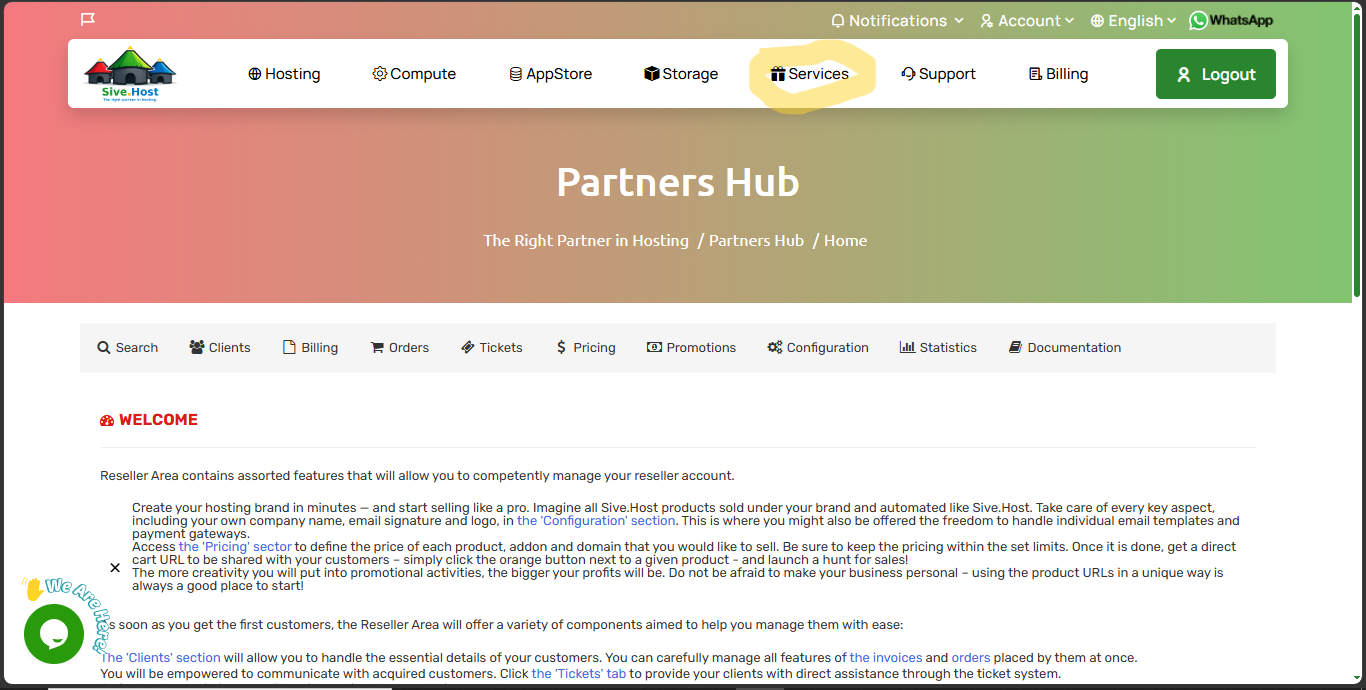
Step 3: Click on Partners Hub under Services 
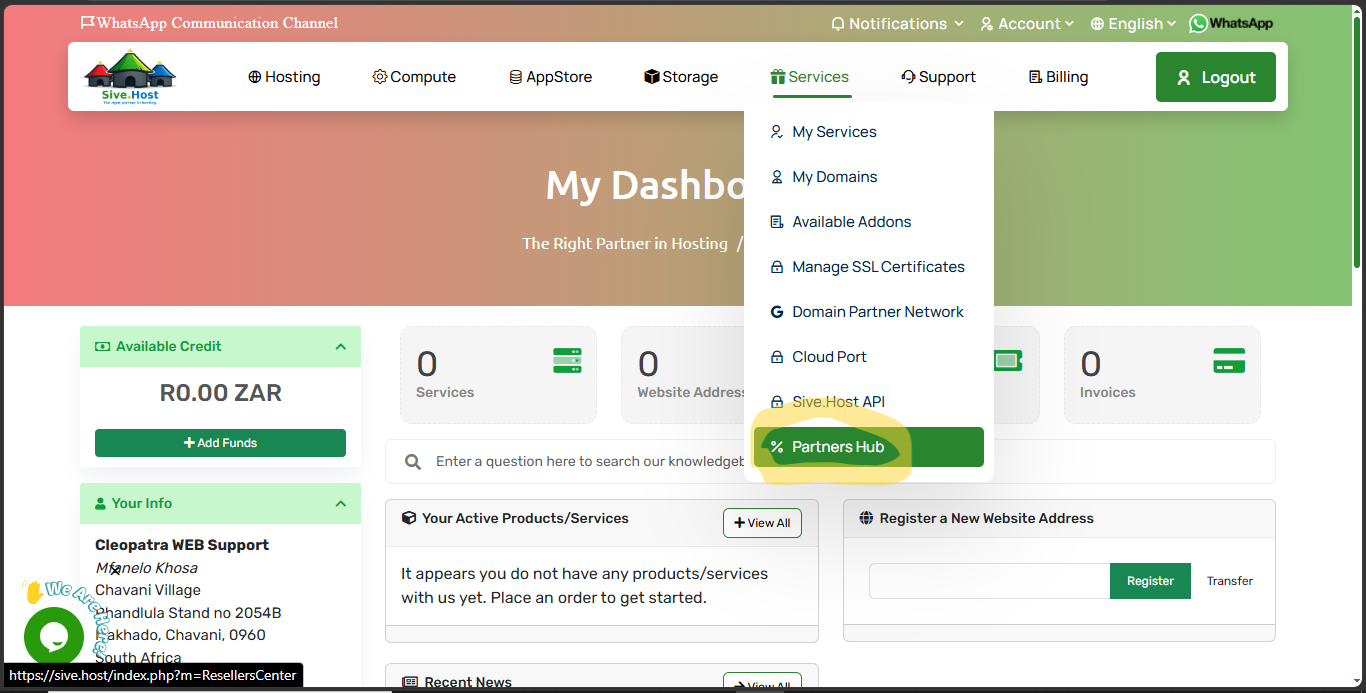
Step 4: Click on Mass mail 
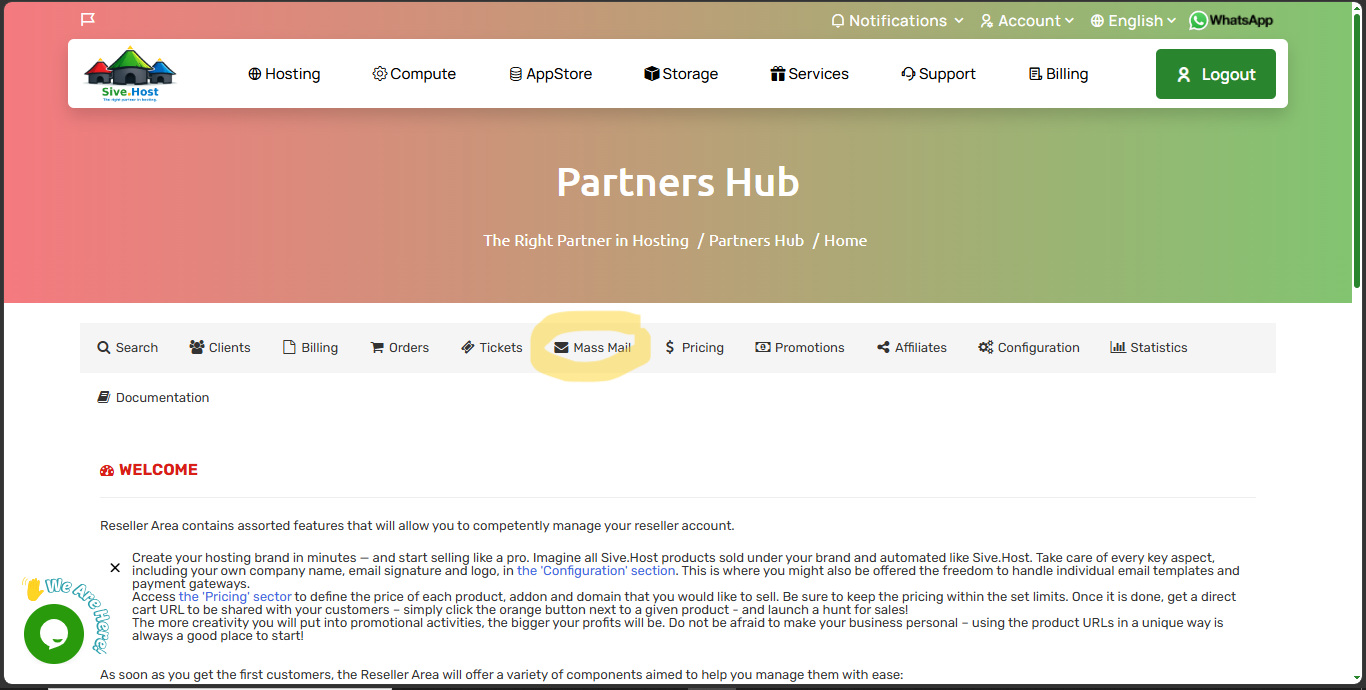
Step 5: Select your recipients  
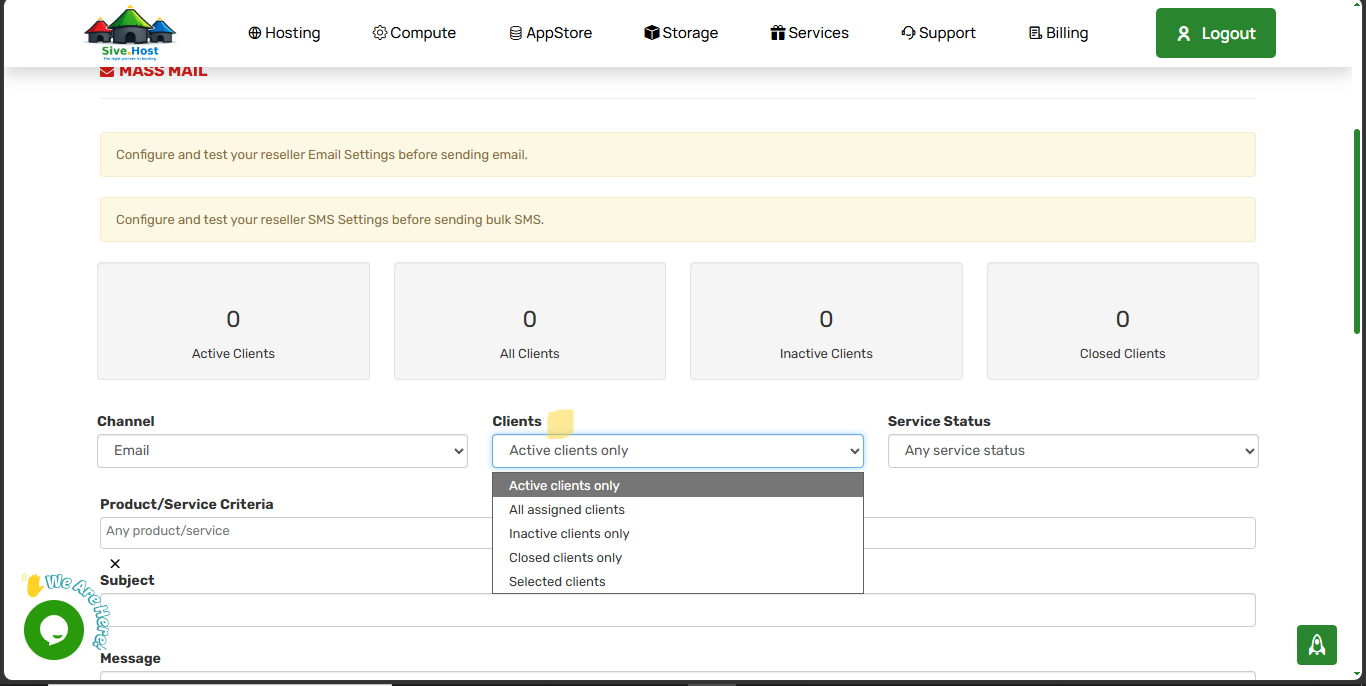
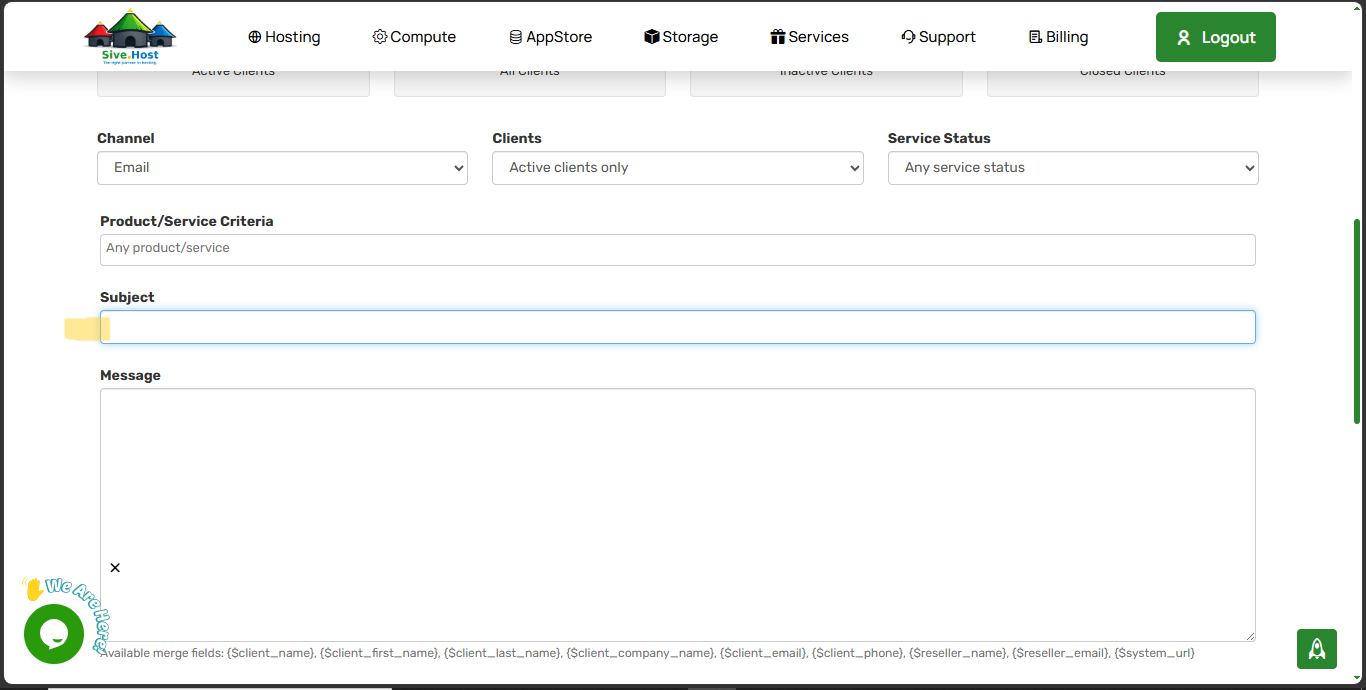
Step 6: Enter the Subject 
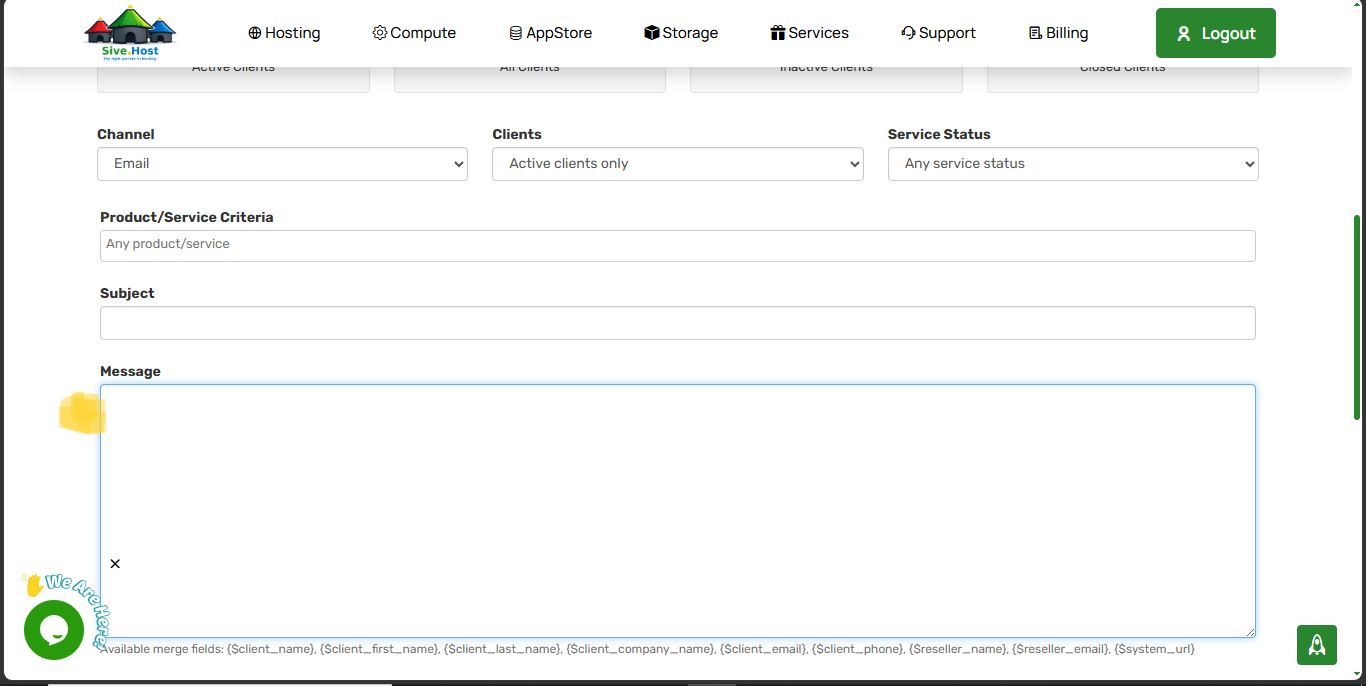
Step 7: Compose your Email (Message) 
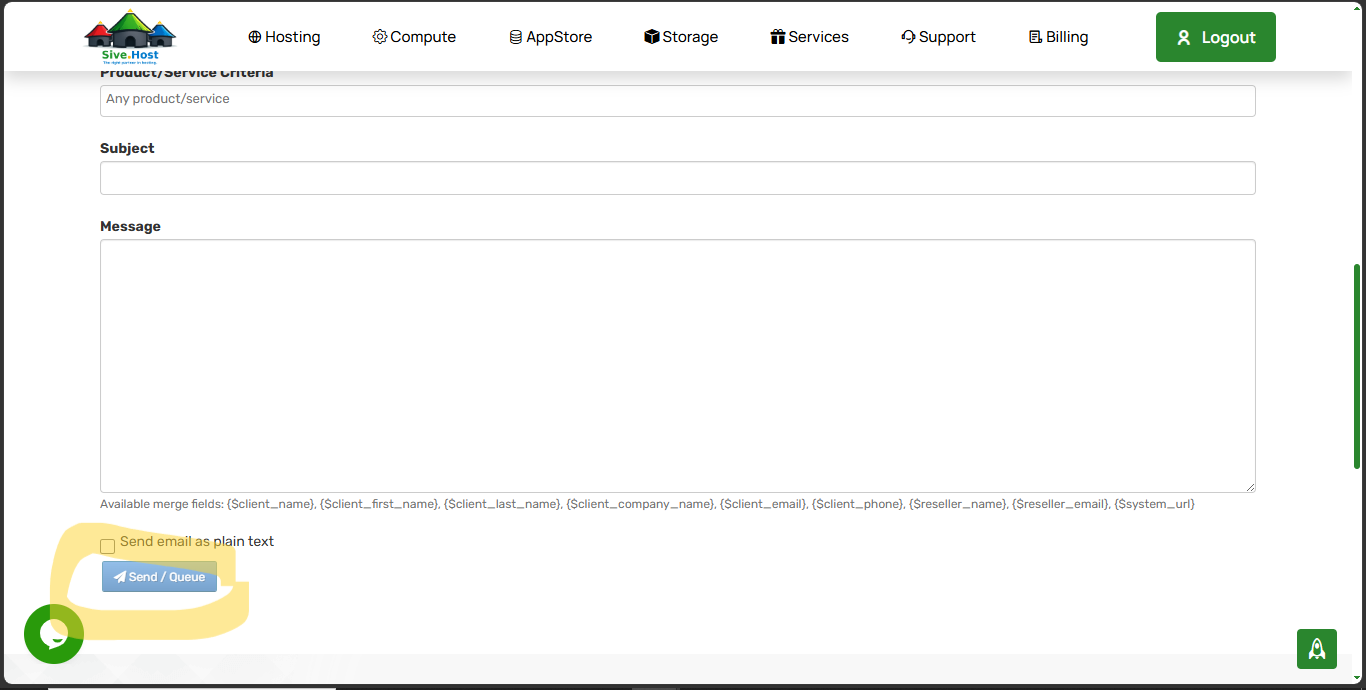
Step 8: Click on send to send your Mass mail 
  • 0 Abasebenzisi Bafumane Lokhu Kunesizo
Ipendulo le ibe nesizo na?

Iimbalo Ehlobeneko

Getting Started

Sive.Host SHAPISHAPI exposes customer-owned Sive.Host billing, compute, hosting, domain, support,...

Authentication

SHAPI authenticationDirect calls to https://sive.host/modules/addons/shapi/sh-api.php require all...

CreditCheck

CreditCheckReturn the authenticated client credit balance and currency.Endpoint:...

BuyNow

BuyNowOrder one supported VM or container product with an explicit OS and optional compatible...

Operating System Codes

Operating System CodesUse these exact aliases with BuyNow. Availability also depends on the...